You connect an AI tool to your repository; it reads the codebase to map out real user journeys (login, checkout, navigation, etc.), then generates a full Playwright test suite — selectors, assertions, and all — for you to review and run. Below is exactly how that process works with Amikoo our AI QA tool, what to check before trusting the output, and where it fits if you already know Playwright.
Key takeaways
- AI connects to your repo, maps real user journeys, and generates a complete Playwright suite (including selectors, actions, and assertions).
- Treat the output of AI as a first draft: check selector quality, assertion depth, and coverage gaps before merging into CI.
- AI speeds up writing test code. It doesn't replace the judgment calls, deciding what "correct" behavior looks like is still on you.
The Problem: Writing E2E Coverage by Hand is Slow
If you've worked in QA or written a Playwright suite yourself, you don't need convincing that end-to-end testing is worth doing. You've felt the payoff of catching a broken checkout flow before it hits production. The value was never in question.
The bottleneck is time. Writing solid E2E coverage means:
-
Mapping every meaningful user journey through the app (not just the happy path)
-
Writing accurate selectors that won't break the moment a
<div>gets restructured -
Building out assertions that actually catch regressions instead of just checking that a page "loaded"
-
Maintaining all of it as the app changes (new features, redesigned components, updated flows)
That last point is where most test suites quietly rot. Someone writes great coverage during a sprint, and six months later half of it is skipped or commented out because nobody had time to fix the selectors after a UI refactor. This is a resourcing problem, and it's exactly the kind of problem AI-assisted test generation is built to address.
What changes when AI writes the tests
The useful way to think about AI-generated Playwright tests isn't "replacing QA"; it's a shift in role, from writer to reviewer and director.
Instead of manually tracing through the app to identify journeys and hand-writing page.locator() calls, you're pointing an AI at the codebase and reviewing what it produces. You're still the one deciding what "correct" behavior looks like, still the one who understands the app's edge cases, and still the one who signs off before a suite goes into CI. What disappears is the hours spent on the mechanical part: reading through components to find selectors, writing boilerplate, and re-doing all of it every time the UI shifts.
For teams and individual QAs already fluent in Playwright, this mostly means faster first drafts and better baseline coverage.
How to Generate End-to-End Playwright Tests with AI, Step by Step
The general workflow looks like this:
- Connect the AI to your repo or codebase. Rather than testing from screenshots or a spec doc, the AI reads the actual source (components, routes, existing tests) so the suite it generates reflects how the app really works, not a generic guess.
- It maps out user journeys. For a typical web app, this means identifying the flows that matter: homepage rendering, authentication, navigation between key pages, and checkout or conversion paths, plus edge cases like failed logins or empty carts.
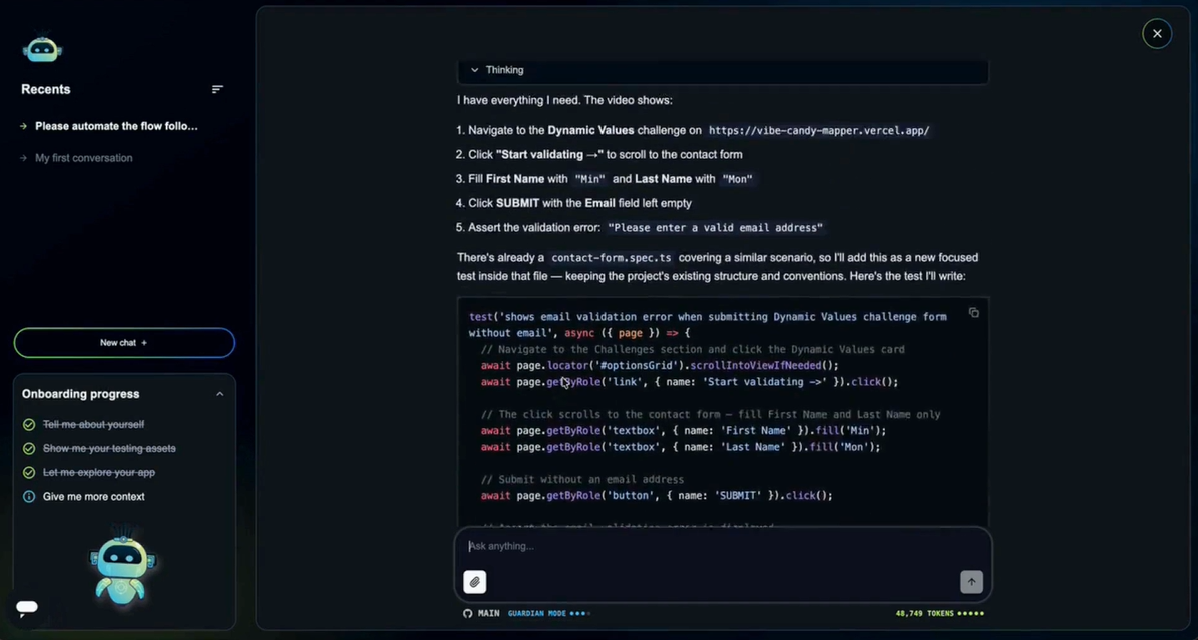
- It generates the Playwright suite. This includes the test files themselves (selectors, actions, and assertions) structured as a ready-to-run suite, often following patterns like the Page Object Model if that's already used in your project.
- You review and run. This is the step that matters most, and it's covered in detail below.
What to check before you trust the output
Consider AI-generated tests as a draft, not a final signature. Before merging a generated suite, run through this checklist:
- Selector quality. Are selectors based on stable attributes (roles, test IDs, accessible labels) rather than brittle CSS paths or nth-child chains that will break on the next redesign?
- Assertion depth. Does the test actually verify meaningful state (cart total updated, redirect occurred, error message shown) or just that an element exists on the page?
- Coverage gaps. Did it catch the obvious flows and the edge cases, failed form submissions, empty states, permission-gated pages? Compare the generated suite against your own mental map of the app.
- Flakiness risk. Look for hard-coded waits or timing assumptions instead of Playwright's built-in auto-waiting and web-first assertions.
- Redundancy. Multiple generated tests sometimes cover the same ground from slightly different angles, worth trimming for maintainability.
When something looks off, you generally have two options: edit the generated test directly if the fix is small (a selector swap, an added assertion), or regenerate with more specific direction if the whole approach missed the mark (e.g., "also test what happens when the cart is empty at checkout"). Treat it the way you'd treat a pull request from a fast but unfamiliar new teammate, worth reviewing carefully, not worth rewriting from scratch every time.
Watch It in Action
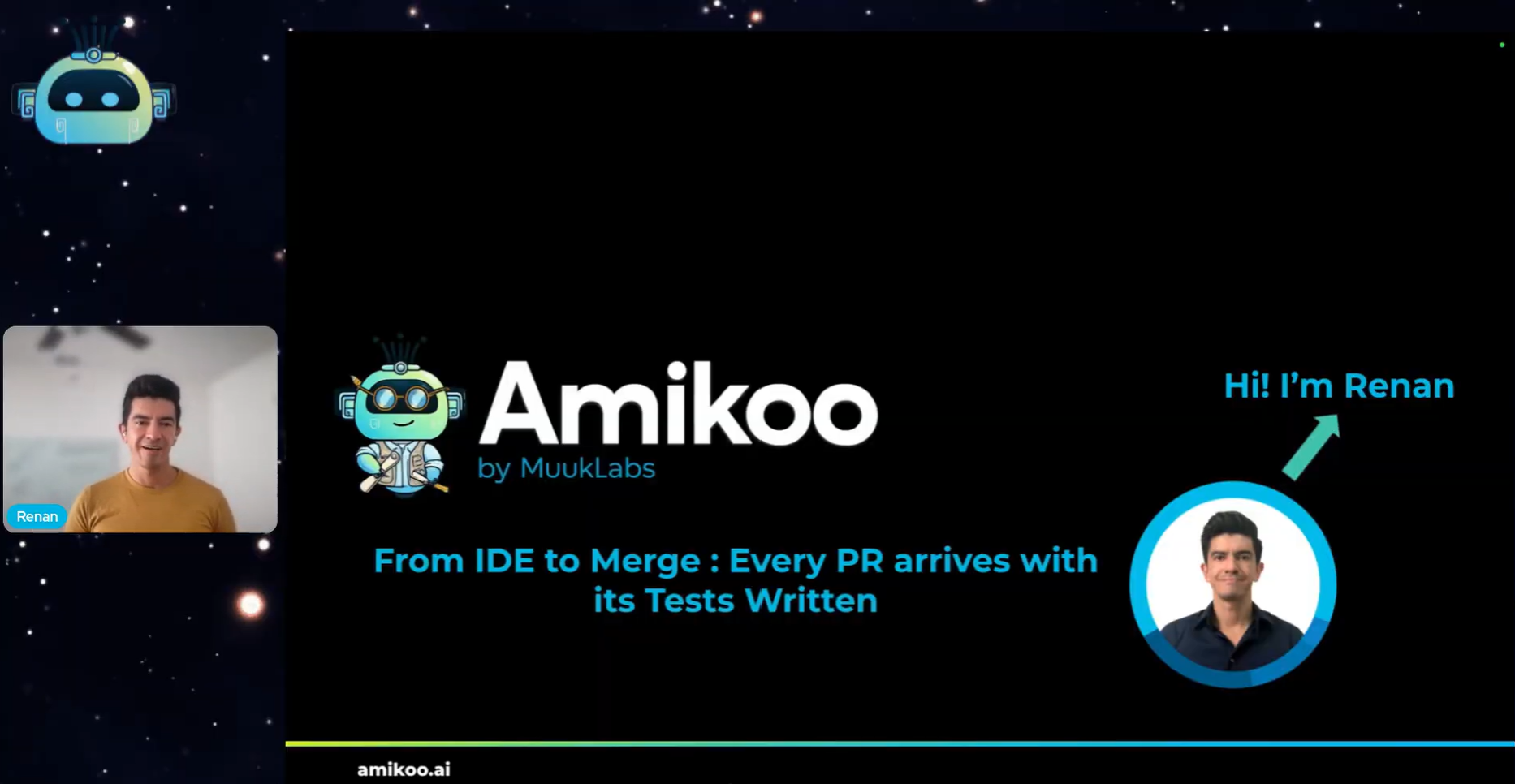
The video here shows this exact process on a real project: Amikoo, our AI QA assistant, connects to a GitHub repository for an online shop, reads the full codebase, and generates a complete Playwright test suite covering the homepage, login, navigation, and checkout — end to end, without a developer writing a single test by hand.
Try it yourself with Amikoo
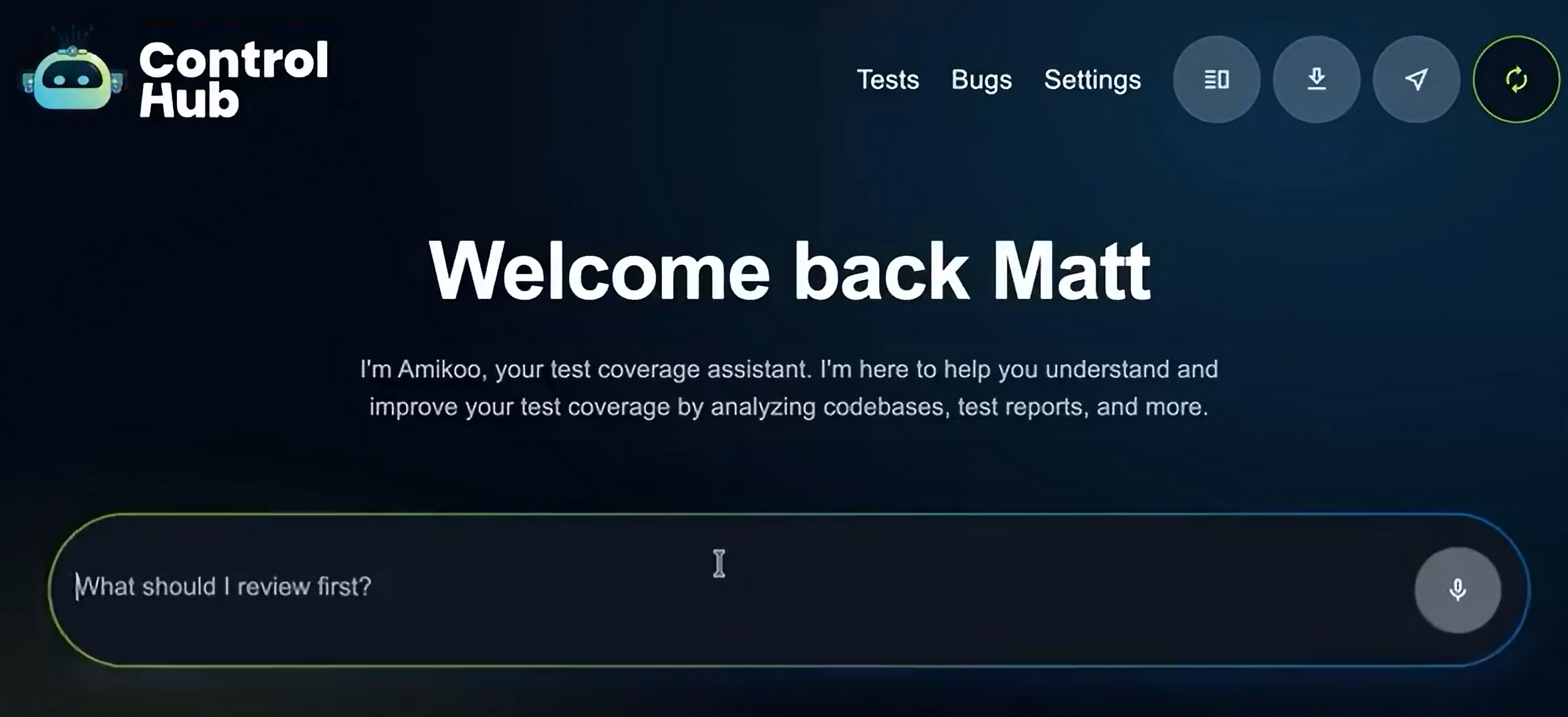
The workflow described above is what Amikoo is built to do. It's an AI assistant that specializes in QA. It connects directly to your repository, reads the project in full to avoid contextual errors, and delivers a complete, ready-to-run Playwright suite that covers your real user journeys, not just the obvious ones.
If you already know the value of E2E testing and just want your coverage generated faster, you can sign up and try Amikoo for free, connect it to a real project, and see a full test suite generated in minutes.
FAQs
Does AI-generated Playwright code need to be edited before it's usable, or is it ready to run?
It's runnable out of the box, but should still go through a human review pass, same as you'd review any generated code before merging it into CI.
Can AI write Playwright tests for an app it doesn't already have access to, like a private repo?
Yes, as long as it's connected to the actual codebase (e.g. via GitHub). This is what lets it generate tests based on real components and routes instead of guessing from the UI alone.
Will AI-generated tests use the Page Object Model or other patterns my team already follows?
Good tools will follow the existing conventions in your codebase rather than imposing a generic structure, but it's worth confirming this in the generated output.
How does AI handle test maintenance when the UI changes?
Since the AI can re-read the codebase after changes, it can regenerate or update affected tests instead of leaving broken selectors for a human to track down manually.
Does AI-assisted test generation replace manual QA testing?
No — it replaces the manual writing of test code, not judgment calls like exploratory testing, usability review, or deciding what "correct" behavior means for an edge case.
What's the difference between AI-generated Playwright tests and AI-assisted test writing (like autocomplete)?
Autocomplete helps you write one test faster; full generation reads the whole project and produces an entire suite across multiple user journeys without you writing the initial draft at all.