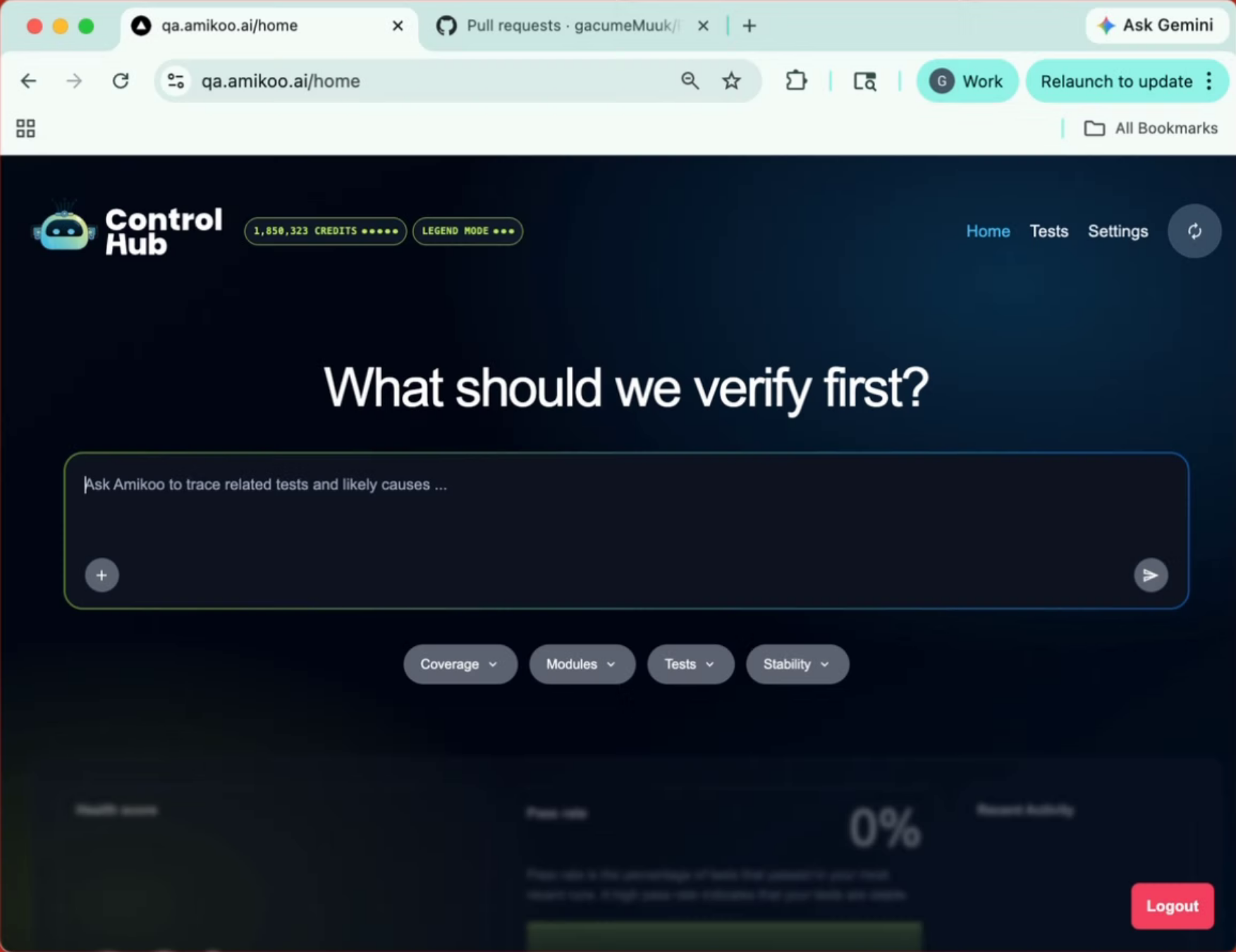
This tutorial introduces you to the capabilities of AmikooChat. You'll learn how to create test branches, manage pull requests, and review test coverage for your application.
1. Introduction To AmikooChat
Get an overview of what you can accomplish with AmikooChat, from generating tests to managing pull requests directly through conversation.
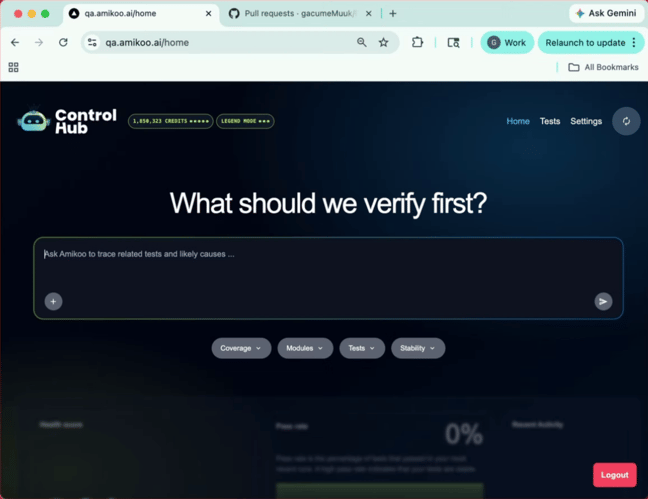
2. Request Test Branch Creation
AmikooChat lets you target specific scenarios for testing or ask for suggestions on what to test next — making it easy to direct your coverage where it matters most.
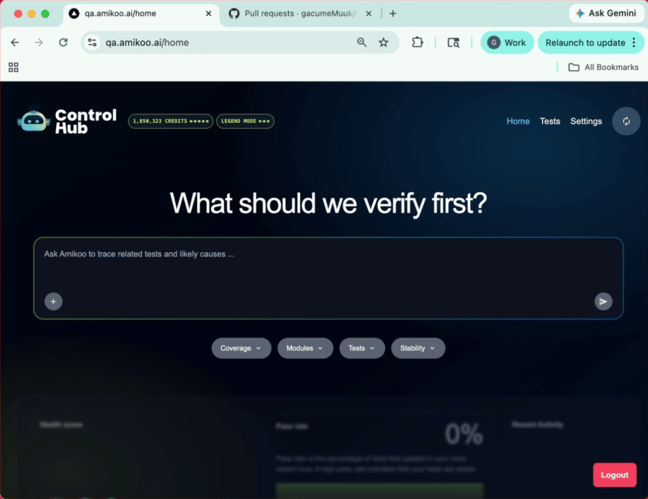
3. Test Feature And Create Pull Request
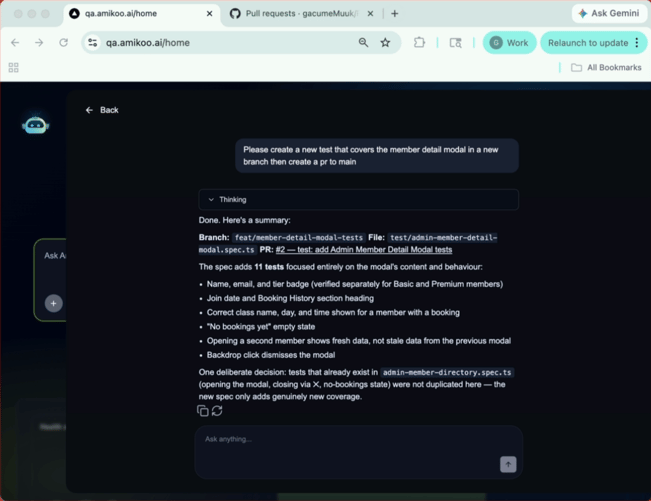
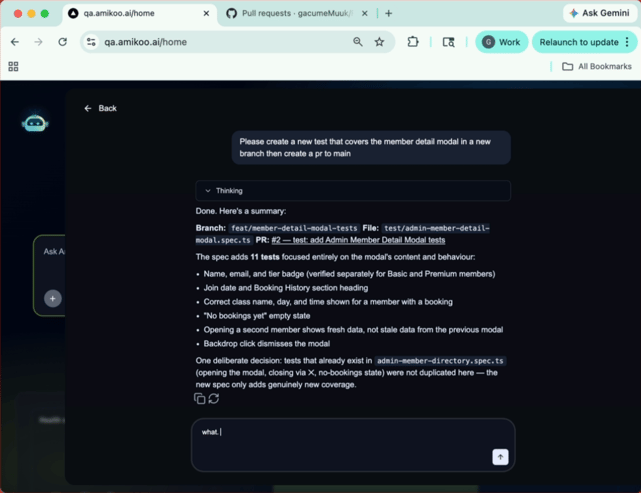
Enter a prompt such as: "Please create a new test that covers the member detail modal in a new branch and create a PR to main." This instructs Amikoo to test a specific feature and open a pull request to your repository.
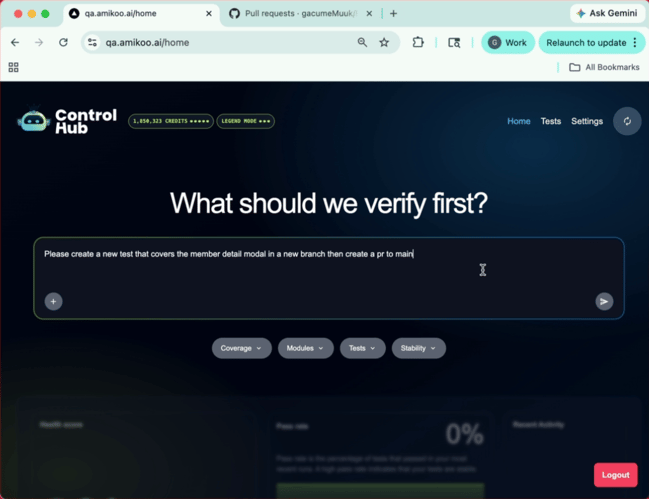
4. System Processing Actions
Amikoo will take a moment to think through the request and execute the necessary actions.
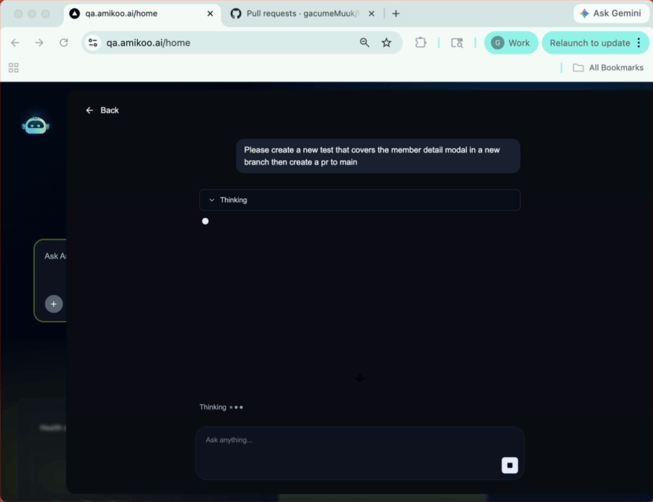
5. Summary Of Branch And Pull Request
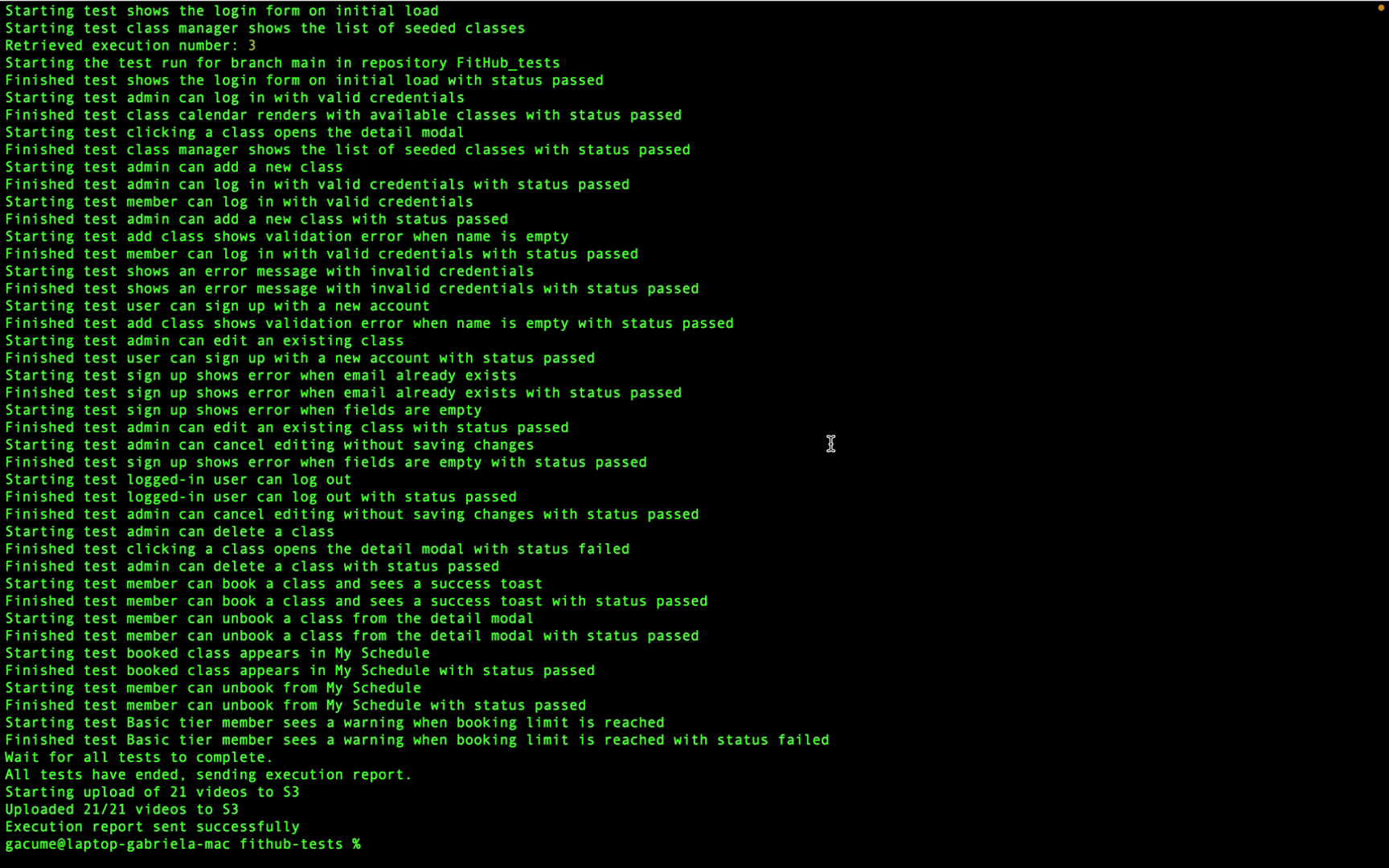
Amikoo returns a summary of what was completed — in this case, a new branch was created, a pull request was opened, and 11 tests were added.
6. Details Of Added Tests
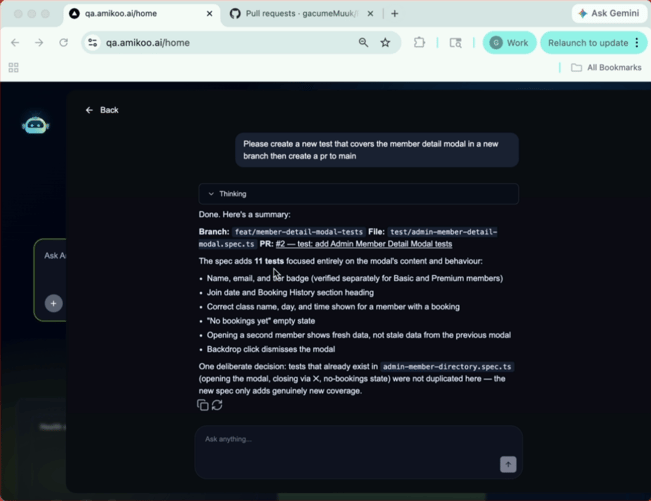
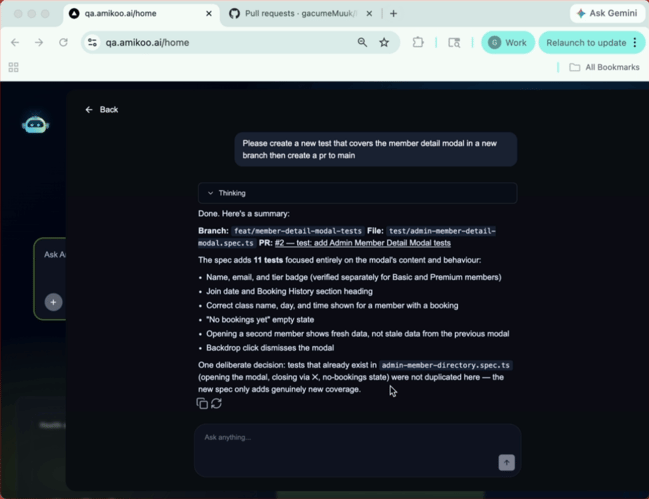
The tests cover a range of cases including member name, email, tier badge, join date, class name, bookings, and secondary member display. Amikoo also made decisions based on tests that already exist in your repository.
7. Avoid Duplicate Tests
Because Amikoo has the context from your connected repository, it adds only genuine new coverage and avoids duplicating existing tests.
8. System Familiarity With App
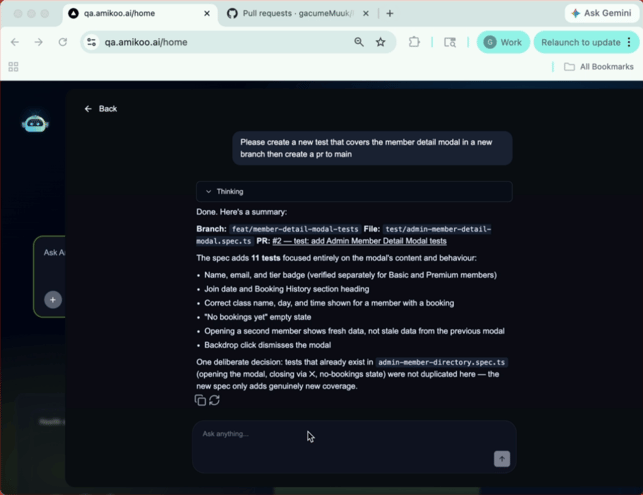
Amikoo is already familiar with your tests and application. You can go a step further and ask it directly what it knows.
9. Ask About App Knowledge
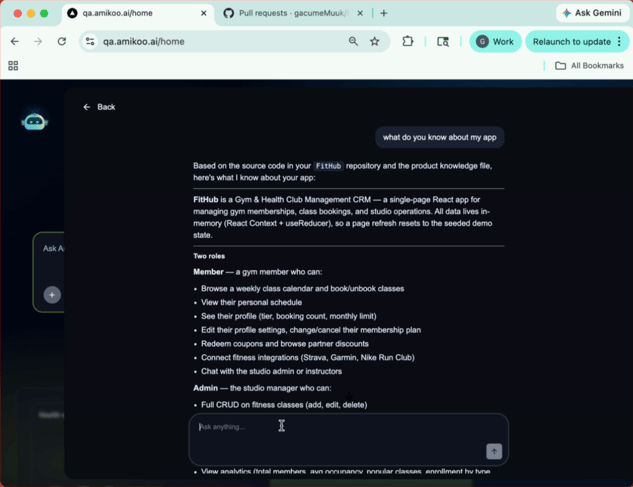
Type: "What do you know about my app?" to get a full breakdown of Amikoo's understanding of your application.
10. Await App Description
Amikoo will provide a description of your app based on the context it has gathered.
11. App Overview
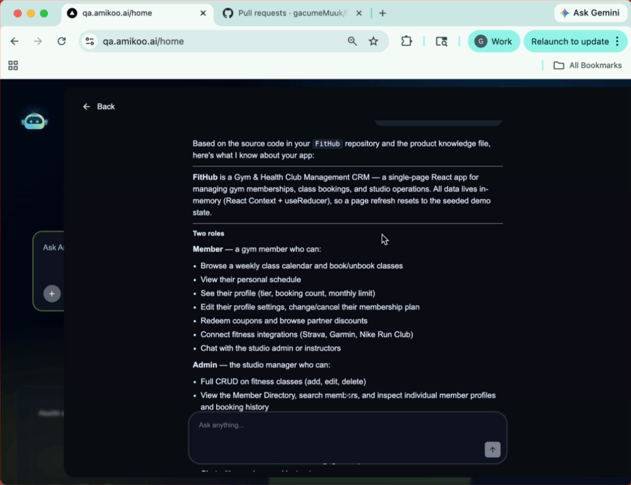
In this example, Amikoo identifies the app as a gym and health club management CRM — a React application for managing memberships, class bookings, and studio operations.
12. Describe App User Roles
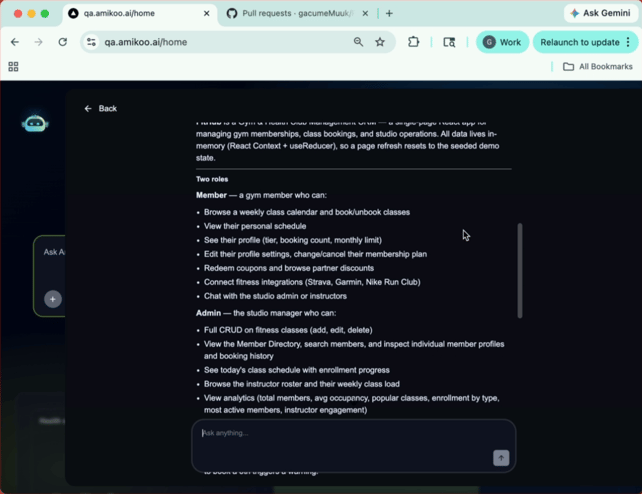
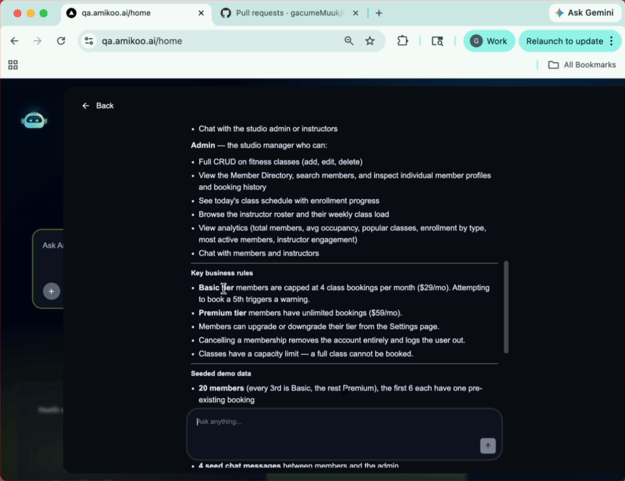
Amikoo can identify the roles defined in your app, such as member and admin.
13. Explain Business Rules And Testing
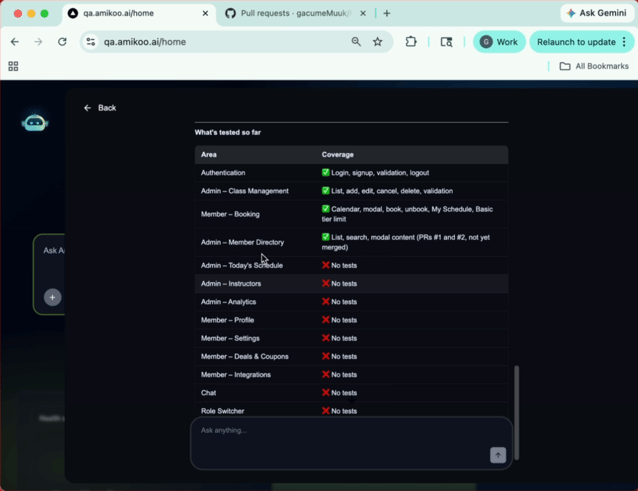
Amikoo surfaces your business rules, available demo data, and a summary of what has already been tested.
14. Review Test Coverage And Suggestions
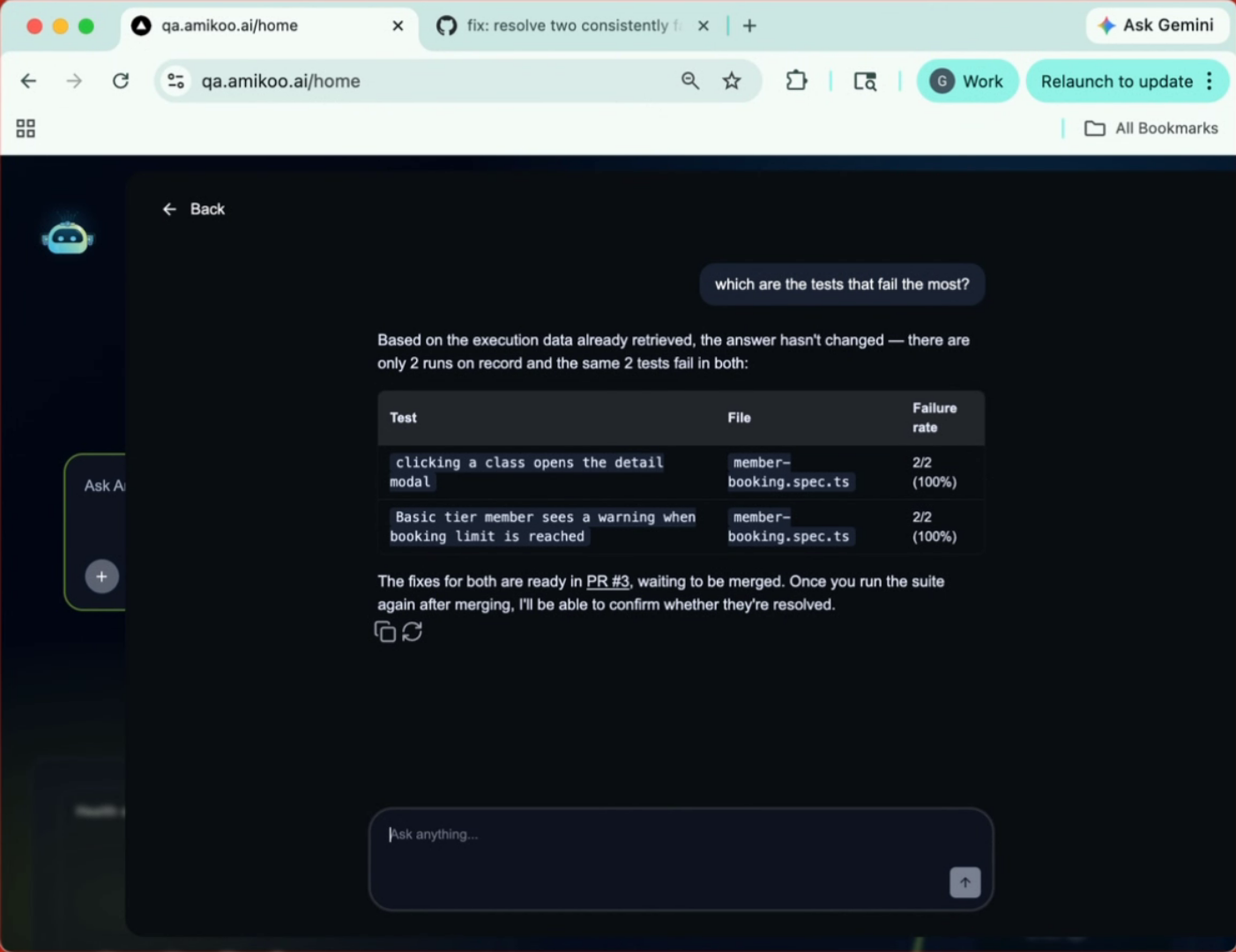
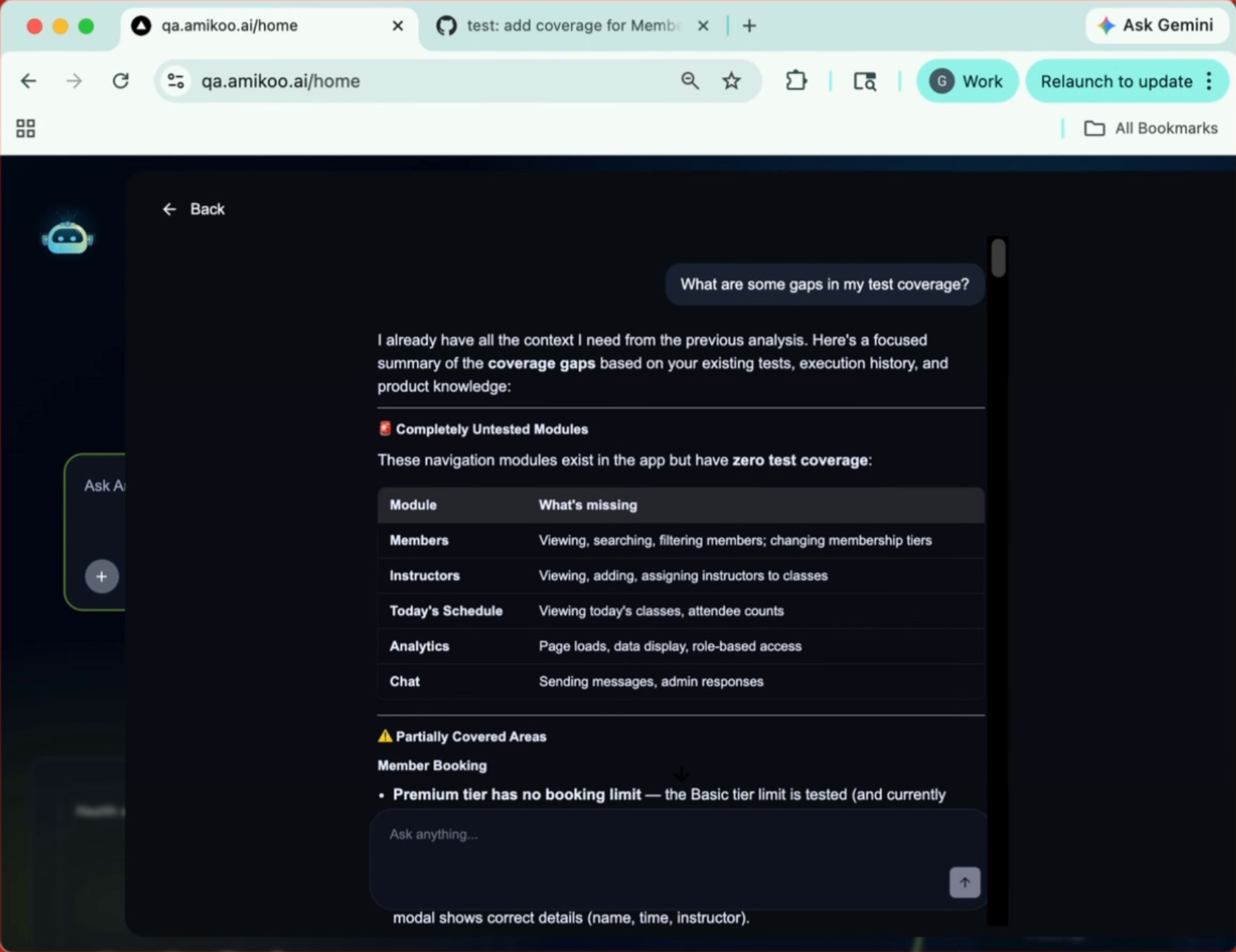
The coverage overview shows what's already been tested and highlights areas that could benefit from additional test cases.
This tutorial demonstrated how to create a test branch, generate a pull request, and review test coverage using AmikooChat. You're now ready to explore more of Amikoo's testing features and manage your application's test cases with confidence.