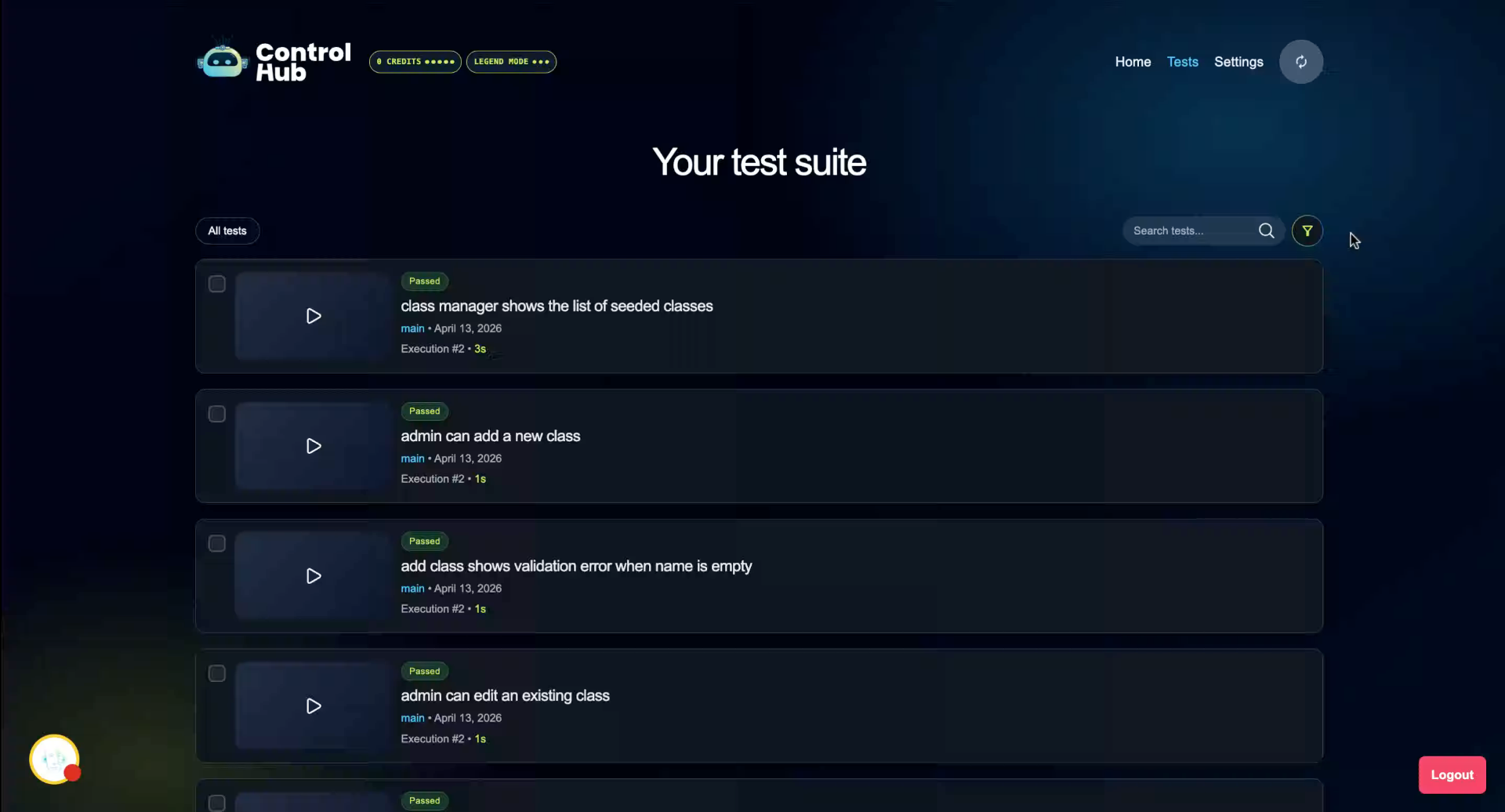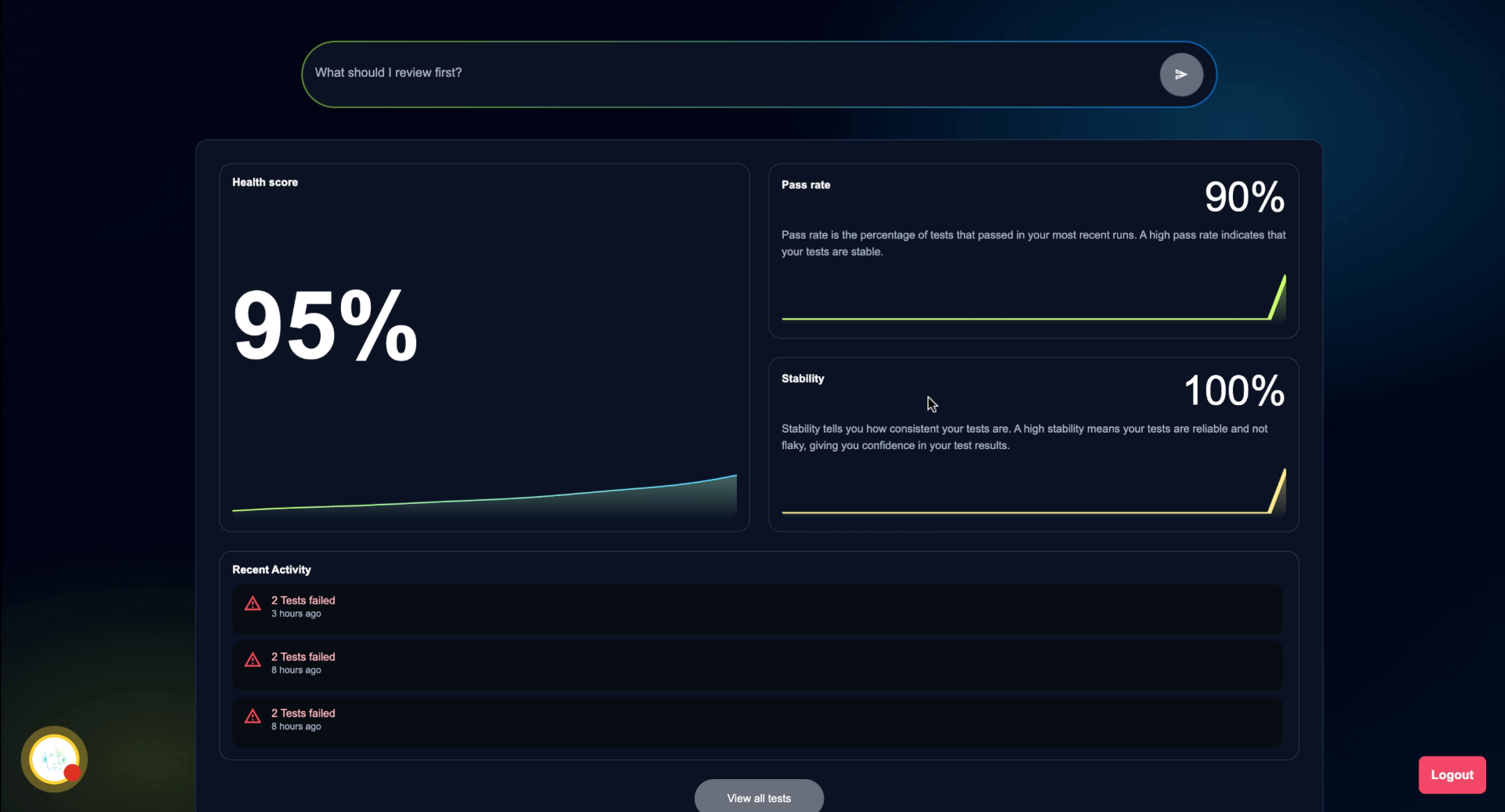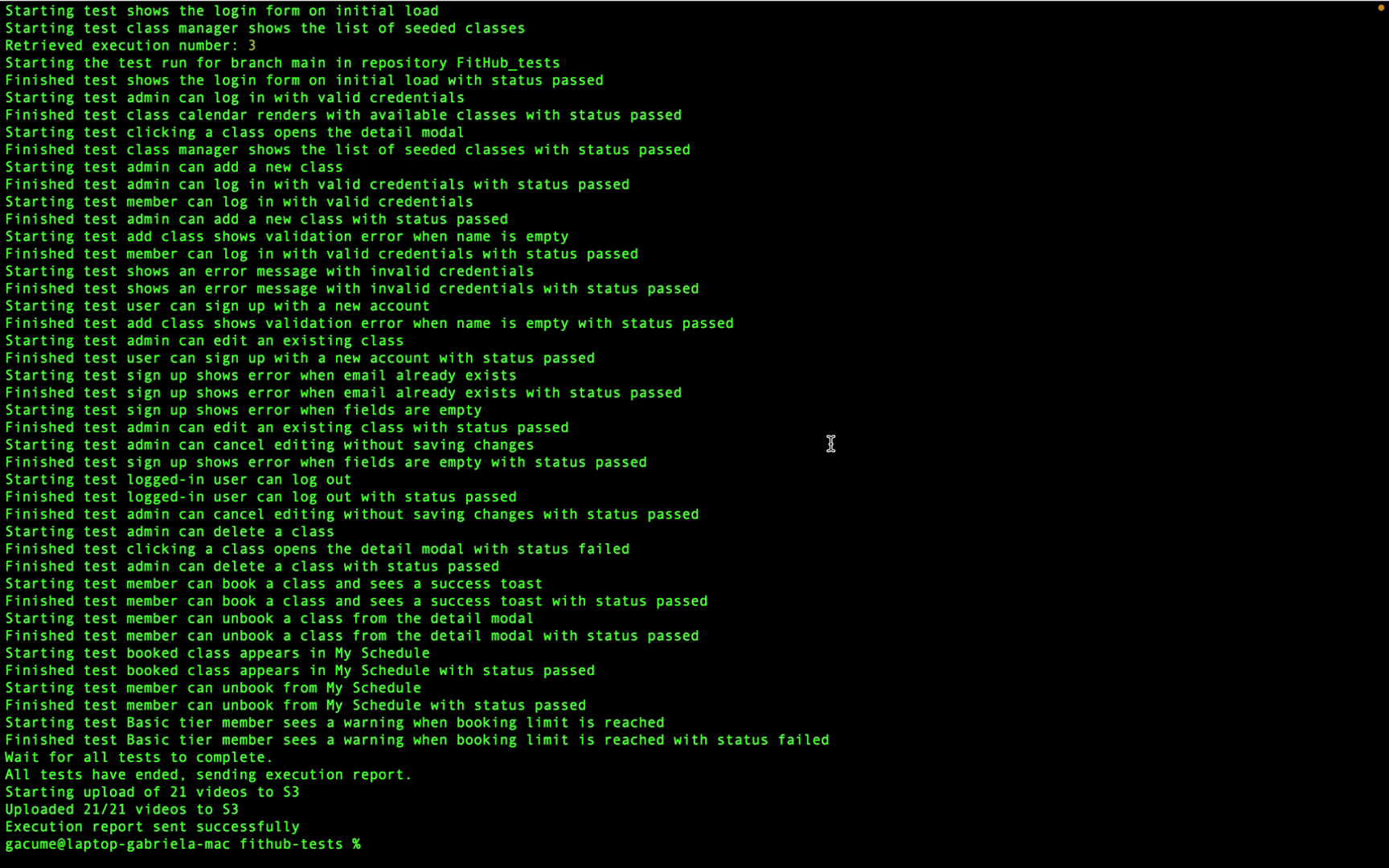
This tutorial explains how to analyze test executions in Amikoo to identify and address failing tests. You'll learn how to interpret test results, review fixes, and distinguish between product issues and test issues.
1. Understanding Executions in Amikoo
This tutorial covers what your test executions in Amikoo can tell you and how to act on that information.
2. Identify Failing Tests
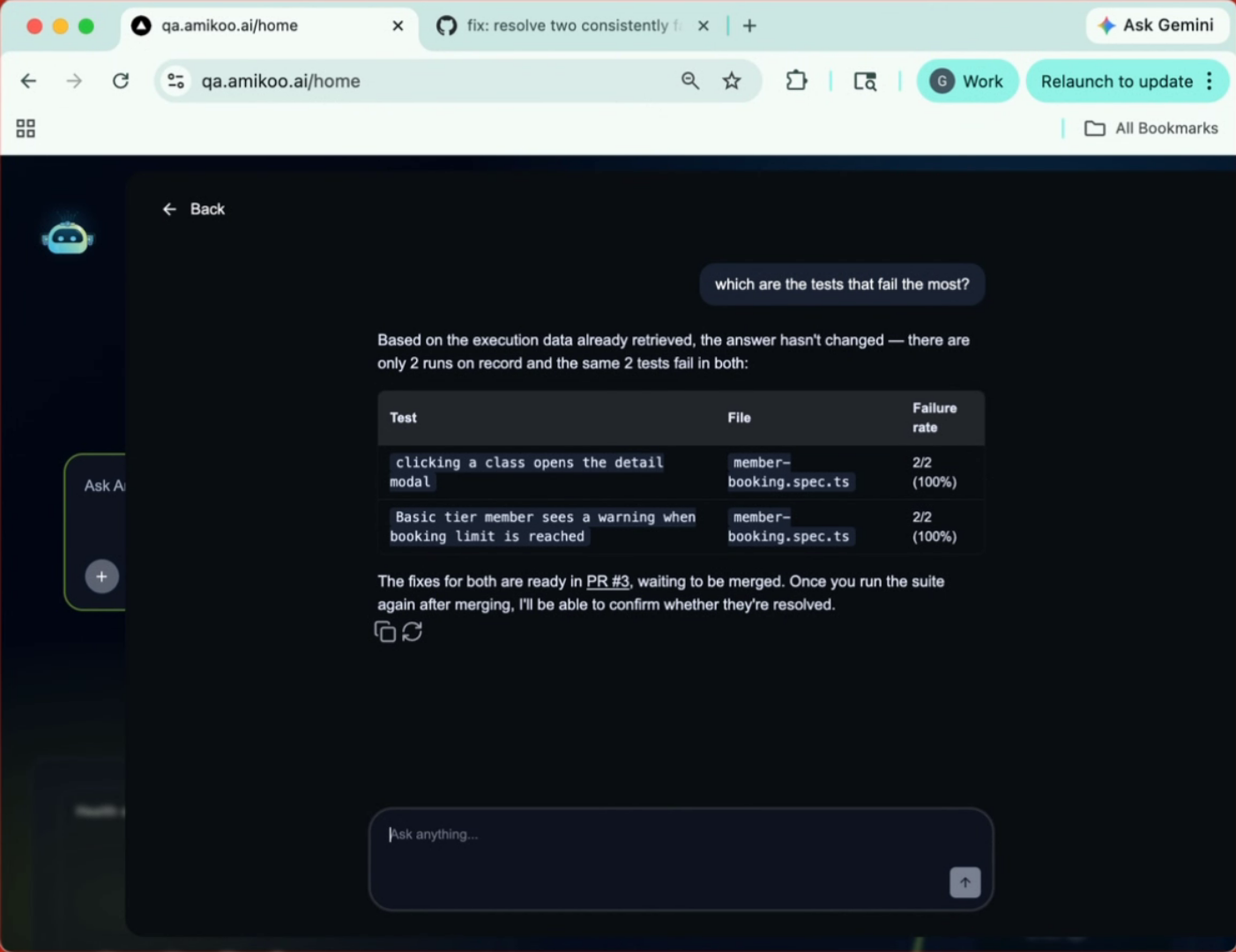
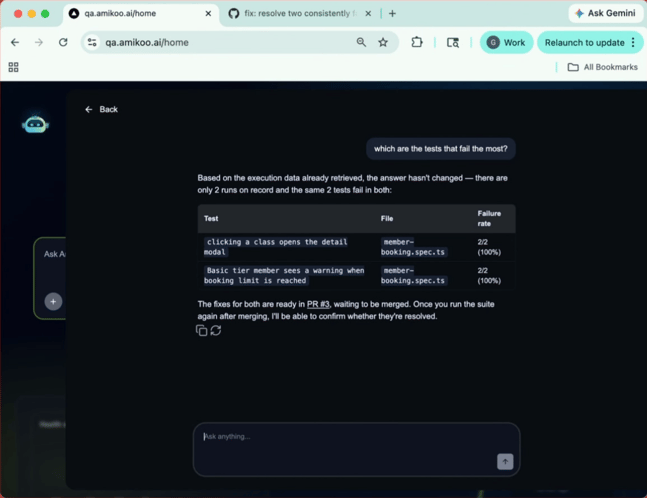
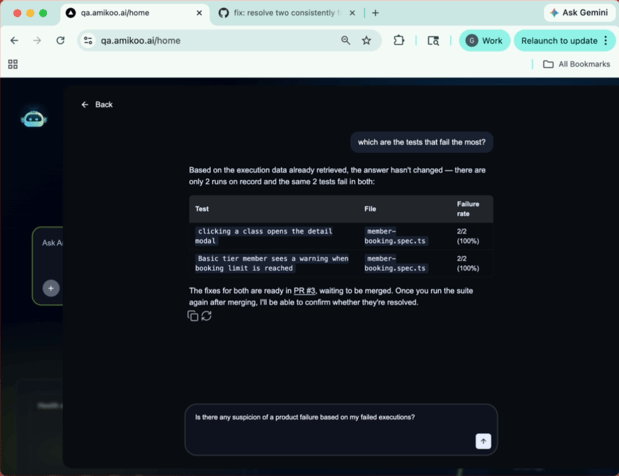
Start by asking Amikoo which tests fail most often. In this example, Amikoo identifies two tests with a 100% failure rate.
3. Request Test Fix and Pull Request
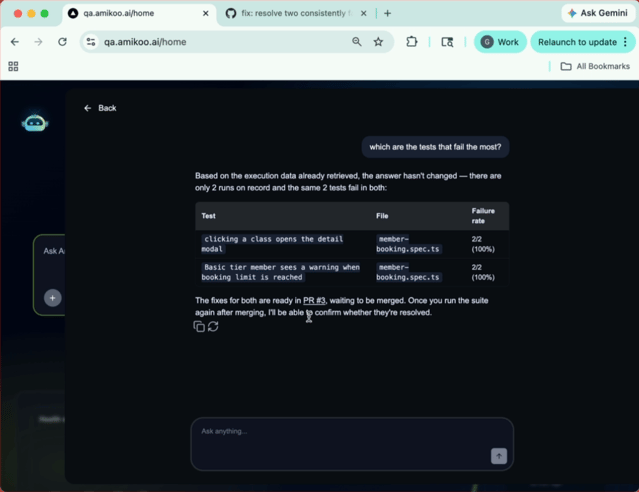
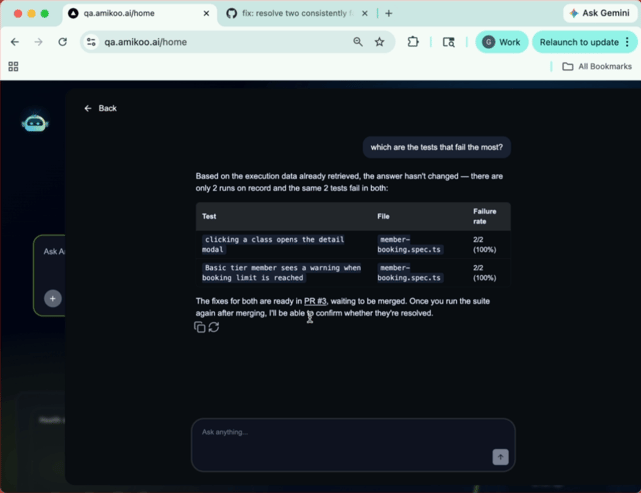
You can ask AmikooChat to create a fix for the failing tests and open a pull request with the changes.
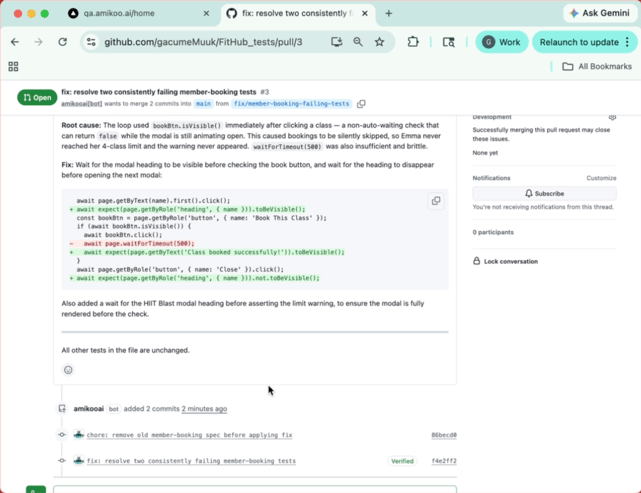
4. View Pull Requests on GitHub
Navigate to your Pull Requests on GitHub to see the actions Amikoo has taken. The most recent pull request reflects the fix that was just requested.
5. Review Pull Request Fix Details
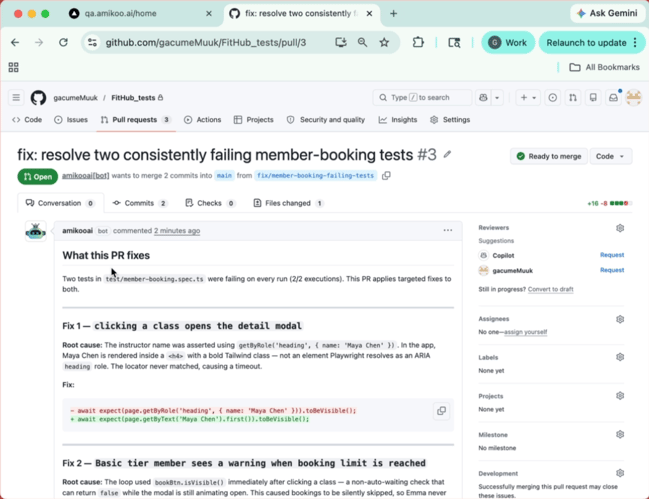
The pull request includes a full breakdown of the fix — which sections were changed, which lines were affected, and a description of what was updated.
6. Understand Selective Test Changes
Amikoo makes targeted edits, leaving all unrelated tests unchanged. Only the code that needs to be fixed is touched.
7. Formulate Question
Back in AmikooChat, ask: "Is there any suspicion of a product failure based on my failed executions?" Amikoo will analyze the results before responding.
8. Identify Product Issue Scenarios
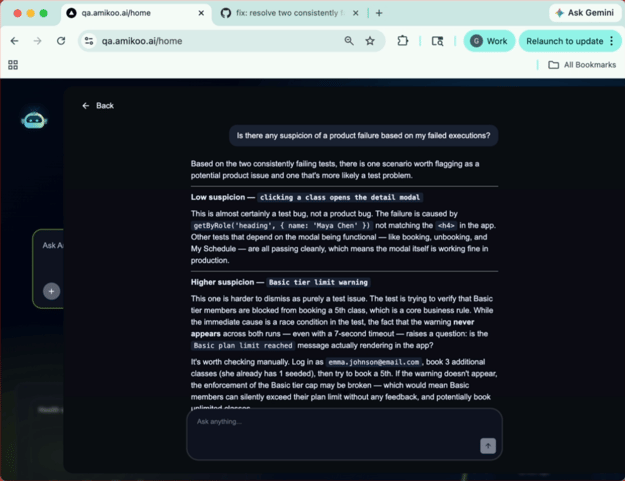
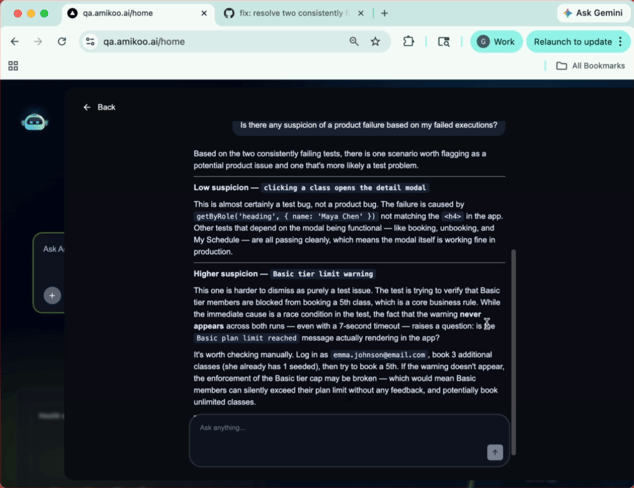
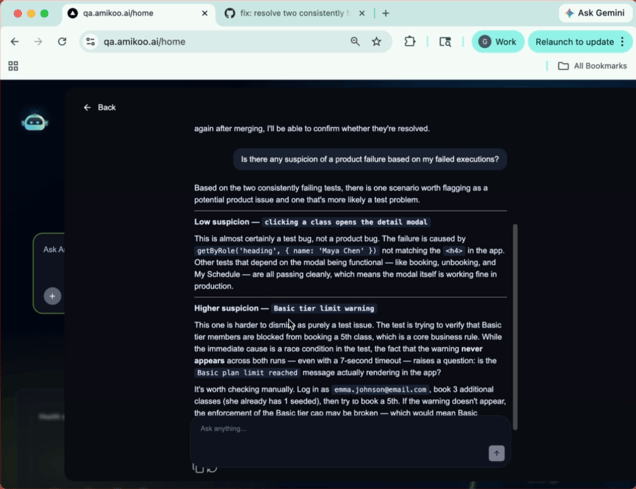
Based on the two failing tests, Amikoo identifies two scenarios worth investigating as potential product issues.
9. Distinguish Between App and Test Problems
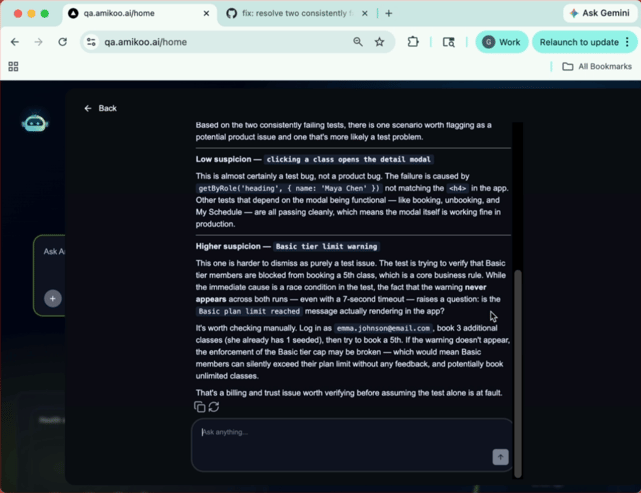
Amikoo differentiates between the two issues — in one case the application itself is the likely cause, and in the other the test is the problem.
10. Review the Problem Descriptions
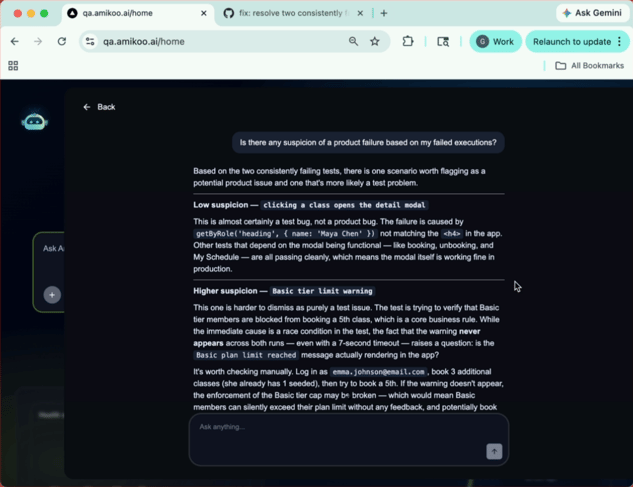
Amikoo describes what may be causing each failure. For example, it may flag a mismatch with an expected header value.
11. Know When to Verify Manually
When a failure is harder to attribute to the test alone, Amikoo will recommend manual verification to rule out a genuine product issue.
12. What You Can Do With Executions
These examples show just two of the ways you can use test executions in Amikoo to investigate failures and take action.
This tutorial demonstrated how to analyze test executions in Amikoo, identify failing tests, review fixes via pull requests, and distinguish between product and test issues. You can now use Amikoo to confidently investigate test failures and determine when manual checks are needed.